
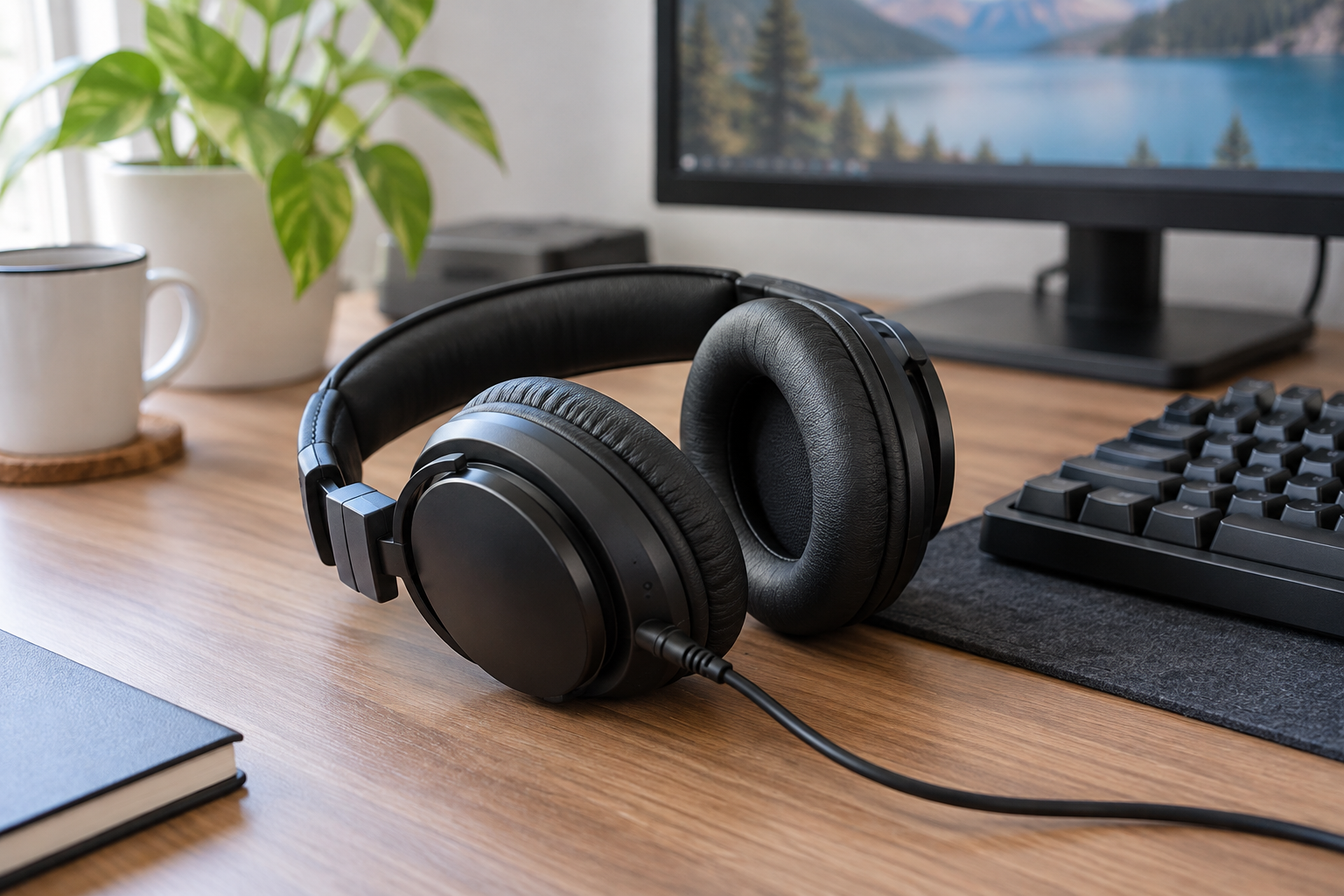
Wired headphones for a PC should fit the connections you use every day. The black OneOdio Pro-10 is worth considering if your desk moves between computer listening and DJ equipment with a headphone output. For gaming, put the microphone connection on your checklist too: hearing the game and speaking to teammates are separate jobs.
What the OneOdio Pro-10 specifications actually tell you
OneOdio's Pro-10 product page lists 50 mm drivers, 90-degree swiveling earcups, and 3.5 mm/6.35 mm stereo connections. It also lists a coiled 3.5 mm-to-6.35 mm cable and a straight 3.5 mm-to-3.5 mm cable with a microphone. Those are useful connection details; they do not establish how the headphones will sound or feel to you.
The linked item is identified as the black Pro-10. This is a specifications-based buying and setup guide; we have not tested its sound, microphone, fit, or durability. The listing's “Hi-Res” wording should not decide the purchase: it is not evidence here of accurate mixing, clearer footsteps, or better voice chat.
Choose the cable by the output on your desk
The small 3.5 mm plug is the connection to look for on a PC headphone socket. The larger 6.35 mm plug, also called a quarter-inch plug, is used on many audio interfaces and DJ devices. Read the socket label and your device manual before choosing a cable; a connector that fits does not tell you whether a socket is a headphone output.
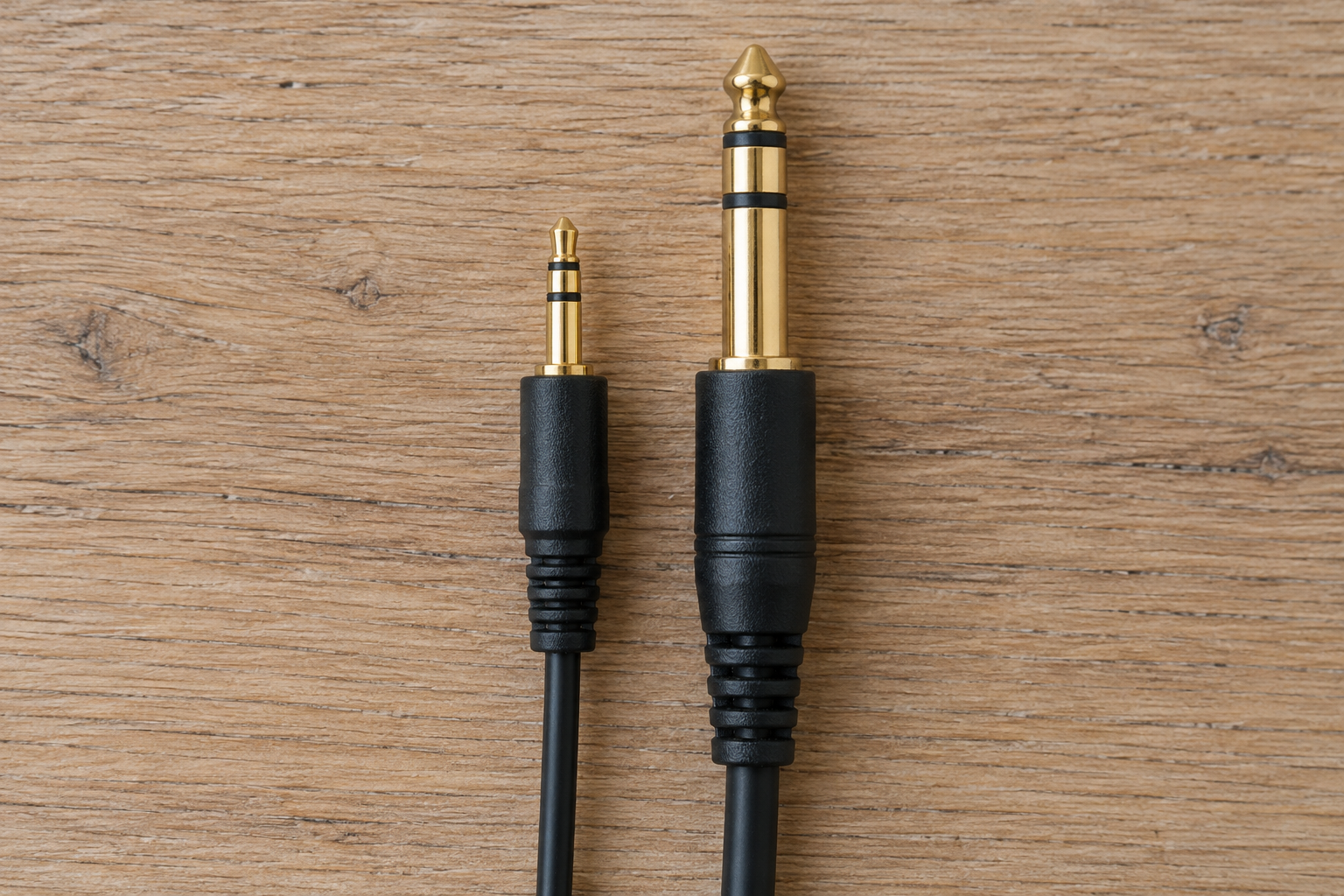
- PC with a headphone output: use the appropriate 3.5 mm connection and select that audio output in your computer and game settings.
- PC with USB ports only: plan for a compatible audio adapter or interface with a headphone output. The headphones' analog plug does not connect directly to USB.
- DJ controller or audio interface: use its designated headphone socket and the matching plug size. Check the device's routing instructions.
- Keyboard or guitar setup: connect to a designated headphone output on the keyboard, interface, or amp as its manual directs. A guitar's instrument jack is not a headphone output.
Leave enough cable slack to turn your head without pulling on the socket. Decide where the cable will run before putting it across your keyboard or mouse area.
For PC DJ use, configure the cue output
Headphones let you hear a cue mix only when the software and audio hardware send that mix to them. VirtualDJ's Master & Headphones guide describes separate routes for the master mix and headphone pre-listening. Two headphone sockets on a pair of headphones do not create those independent computer output channels.
If your controller has a built-in audio interface, follow its manual to connect the headphones and speakers. VirtualDJ's controller setup instructions explain how supported controllers can supply a predefined audio configuration. Before a session, confirm that the cue selection reaches the headphones while the intended master mix reaches the speakers. If both play the same audio when you expected separate mixes, check routing first.
The Pro-10's swivel feature provides a physical option for single-ear monitoring. It does not set up cueing for you. For recording or podcasting, check your interface's monitoring instructions too; driver size alone says nothing about the delay through your recording software.
For gaming, check voice input separately
A practical gaming desk can use wired headphones for listening and a separate desktop microphone for speaking. That arrangement makes it easy to choose each device independently. If you want to use the microphone in the listed cable instead, confirm that the supplied lead and your PC's headset input support it. A headphone-only output cannot receive microphone audio.
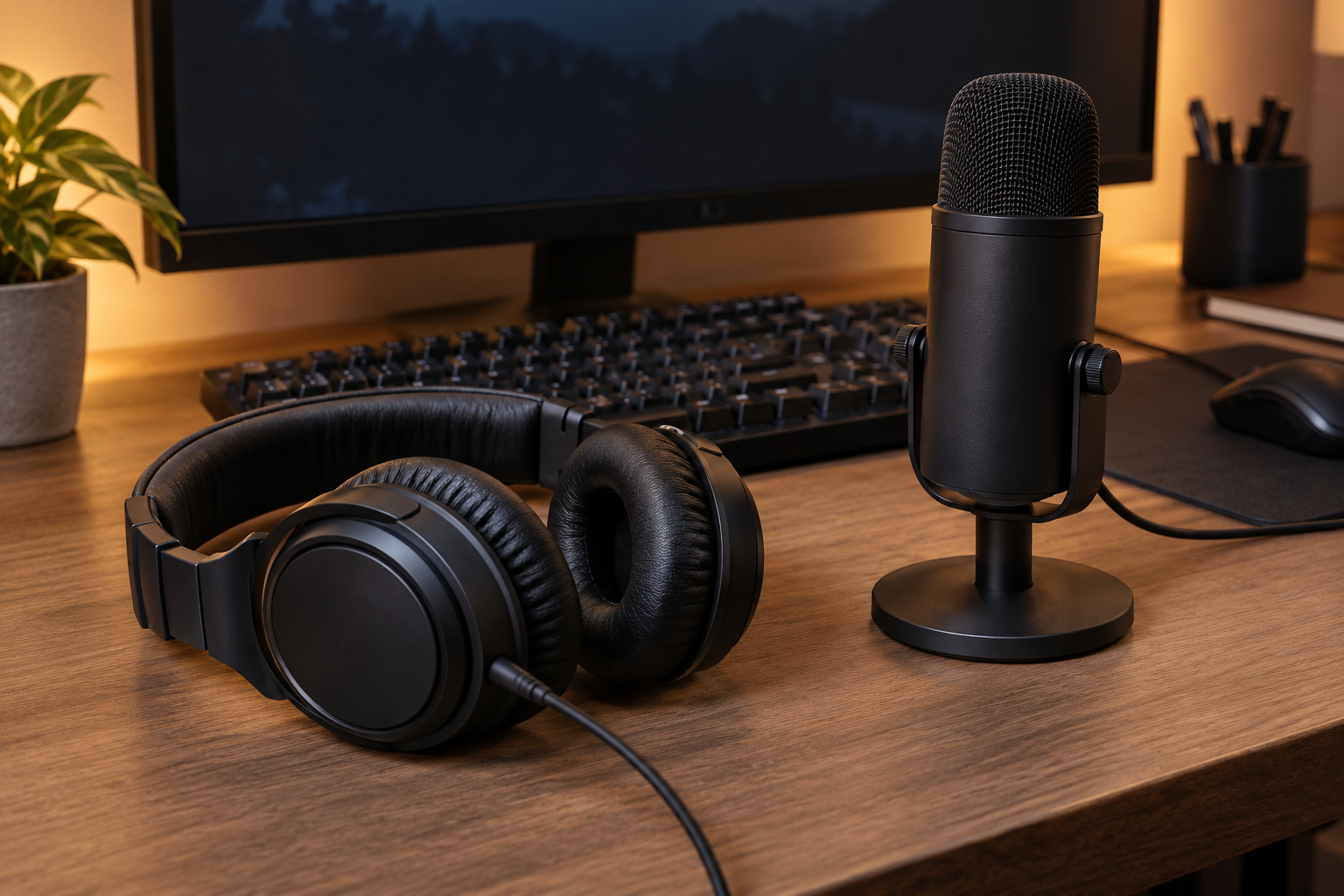
In Windows, open Settings > System > Sound and check the input device. Microsoft's microphone setup guide explains how to select and test a connected microphone. Then check the input and output selections inside your chat app or game. Make a short voice test before joining a call rather than assuming that working game audio means the mic works too.
Who should put it on the shortlist?
The Pro-10 makes the most practical sense for someone who wants analog wired headphones and can use its connection options across a PC and audio equipment. Before buying, confirm the black variant, included cables, your device sockets, and the current return terms. Comfort and sound preferences still need your own assessment.
If your priority is a headset with an attached boom microphone, direct USB connection, or a particular gaming feature, check those requirements explicitly before choosing this model. We have no test evidence here for competitive positioning, microphone clarity, or neutral studio monitoring.
As an Amazon Associate I earn from qualifying purchases.
Manufacturer and setup sources checked October 8, 2026. All three images are AI-generated editorial illustrations, not photographs of owner-tested equipment.