
Affiliate disclosure: This article may contain affiliate links. If you buy through them, we may earn a commission at no extra cost to you. As an Amazon Associate I earn from qualifying purchases.
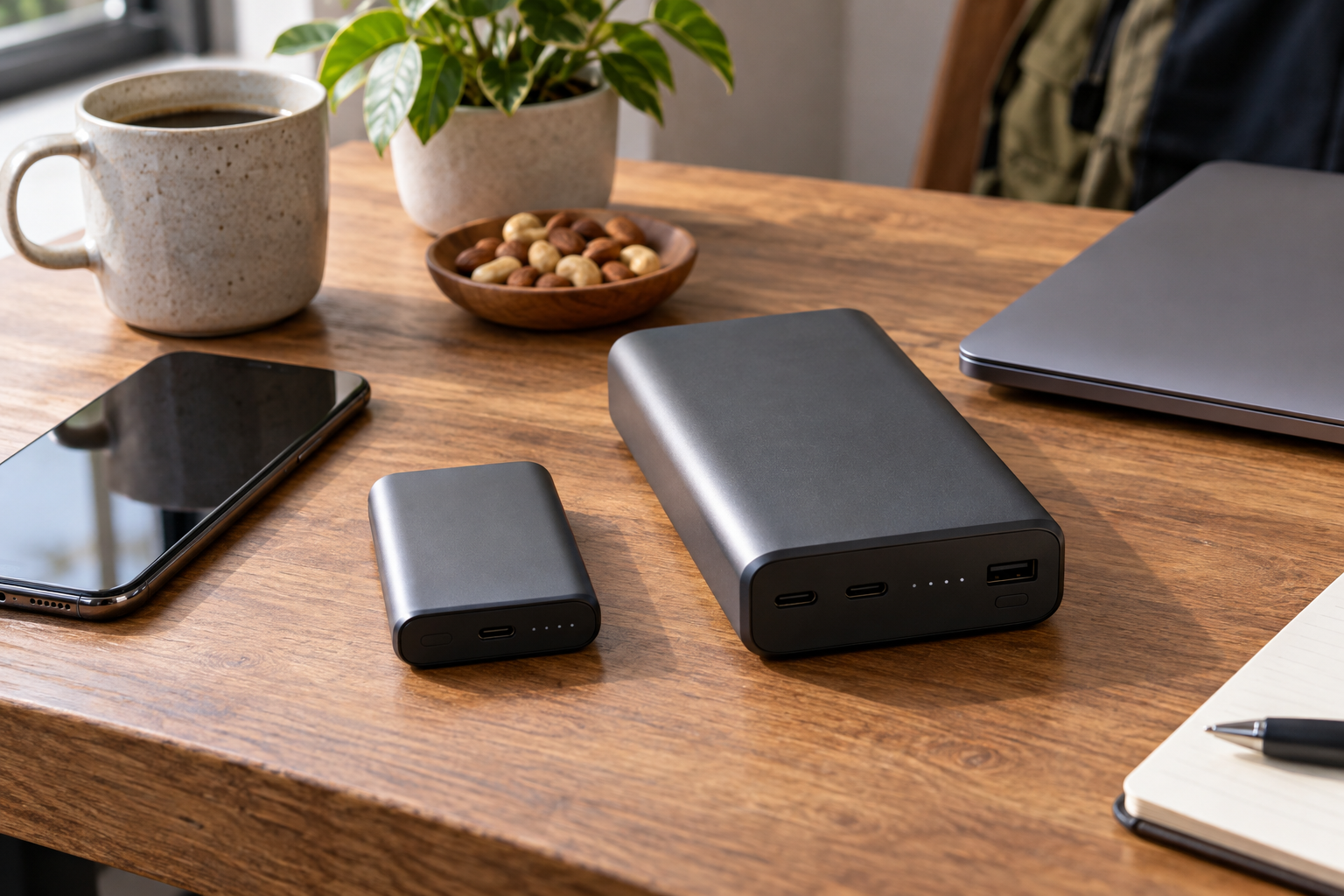
For a phone alone, carry the power you will use
A laptop-capable bank is often more capacity and weight than a phone-only day requires. It becomes useful when you also charge a USB-C laptop, need several phone top-ups away from outlets, or deliberately share power between devices. The right choice depends on stored energy, compatible output and carry weight—not the largest watt number.
Compare the UGREEN Nexode 20,000mAh 130W with the Anker Nano 10,000mAh 30W as two different carrying plans. The UGREEN's role is laptop-capable USB-C output and a bigger reserve; the Anker's is a smaller bank with a built-in USB-C cable. Neither was charge-tested for this guide.
Capacity and output answer different questions
Capacity describes the energy reserve; watts describe a rate of delivering power. A phone does not charge at 130W just because that number appears on a bank. The bank and device negotiate supported power, and the cable and port also have to support the chosen mode.
UGREEN specifies 72Wh for this 20,000mAh model. A higher mAh number is not a delivered-phone-capacity guarantee: internal battery voltage, conversion losses and device use affect the result. Compare watt-hours when battery voltage differs. Do not divide a bank's headline mAh by a phone's mAh and present the quotient as a tested number of full recharges.
The UGREEN 130W label is not a 130W laptop port
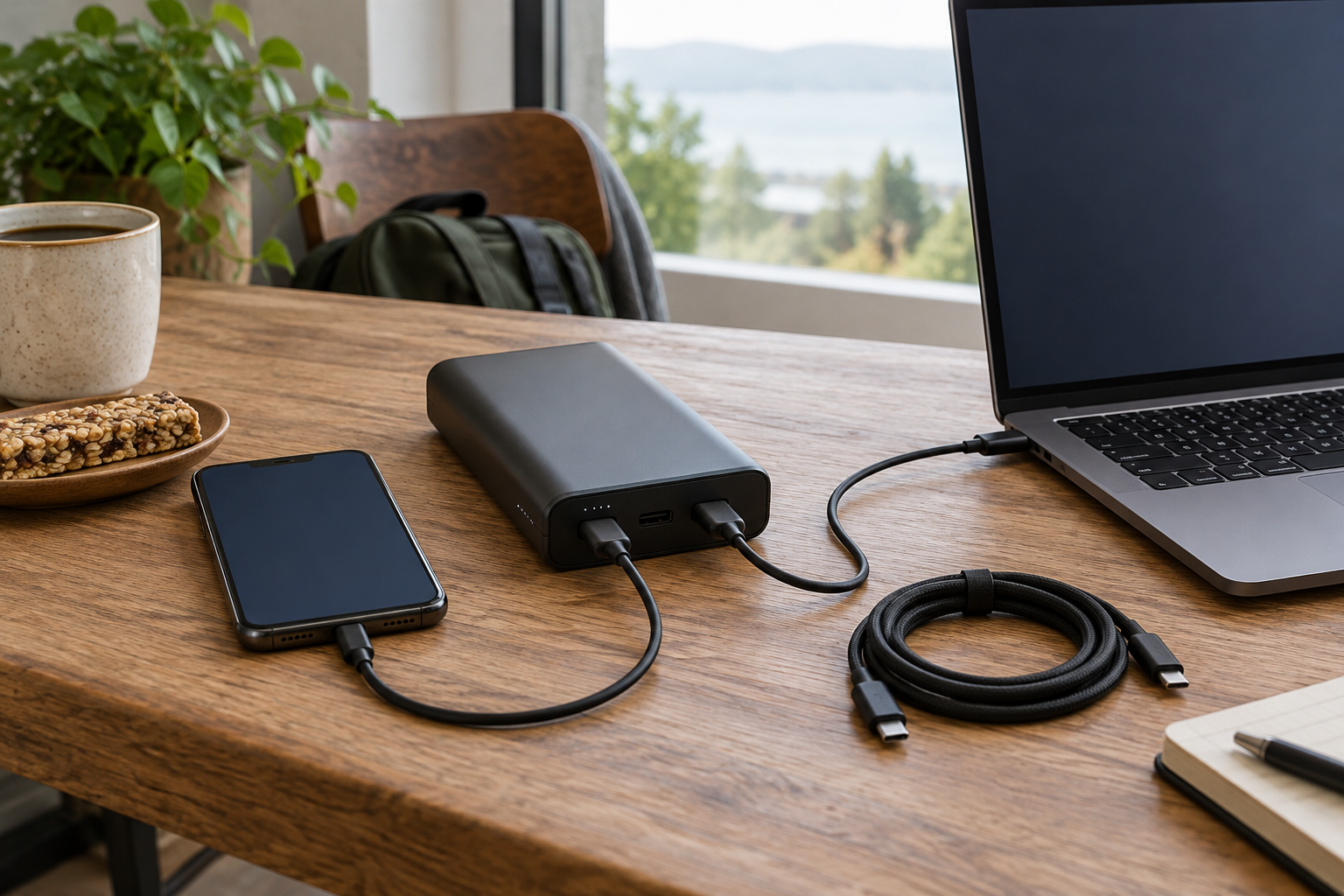
For SKU 35524, UGREEN's US specification lists USB-C1 up to 100W, USB-C2 up to 30W and USB-A up to 22.5W. C1 accepts up to 65W input to recharge the bank. The 130W headline is a total-output description; a single laptop does not receive 130W from C1.
When you connect several devices, the bank’s allocation matters. You cannot add the independent 100W, 30W and 22.5W maxima and expect all three at once. Match your intended combination to the manufacturer’s allocation below.
UGREEN’s allocation graphics show C1 plus C2 at up to 100 W + 30 W, and C1 plus USB-A at up to 100 W + 22.5 W. Using C2 and USB-A together shares 15 W across that pair. With all three outputs occupied, C1 remains up to 100 W while C2 and USB-A share 15 W. These are stated ceilings, not measured delivery to your devices; the devices, cables and negotiated profiles still control actual power.
| Ports in use | Published allocation ceiling |
|---|---|
| C1 + C2 | 100 W + 30 W |
| C1 + USB-A | 100 W + 22.5 W |
| C2 + USB-A | 15 W shared |
| All three | C1: 100 W; C2 + USB-A: 15 W shared |
Match the device's charging input and the cable
UGREEN lists PD 3.0 and PPS among supported output protocols. That is relevant to compatible phones and laptops, but not a universal claim that every listed device reaches its fastest charging mode. Check the device maker's required charging input, voltage profile and cable requirements.
For a 100W USB-C connection, use a suitable 5A USB-C cable; the inspected UGREEN listing recommends its included 5A cable. A connector that fits does not establish the cable's current rating. Older phones with Lightning need a suitable separate cable, and laptops powered only through a proprietary input need a different compatibility assessment.
UGREEN Nexode: the larger reserve and laptop case
The selected model is SKU 35524, 20,000mAh/72Wh, with two USB-C ports and one USB-A. UGREEN specifies 476g and dimensions of 131 × 54 × 50.8mm. That makes the carrying tradeoff concrete: it is a substantial object in a small bag, before cables.
Consider it when a compatible laptop’s supported requirement fits C1’s 100 W limit. A laptop needing more may charge slowly or lose battery under heavy use. Confirm the cable and negotiated power profile before relying on it for a workday.
Anker Nano: a smaller phone-focused comparison
The second selection is the A1259 Nano, Pure Black, 10,000mAh with a fixed built-in USB-C cable and 30W maximum output. Anker specifies about 215g and 104 × 52.3 × 26mm. It is less than half the UGREEN's stated weight, although comfort still depends on your pocket or bag.
Anker’s exact U.S. A1259 page distinguishes up to 30 W single-port output from 24 W maximum total shared output. Do not assume simultaneous devices each receive 30 W. It may suit some low-demand USB-C laptops, but higher laptop requirements call for a different output assessment.
Swipe horizontally or focus the table and use the arrow keys to view all comparison columns. ↔
| Exact selection | Stored-capacity label | Single USB-C maximum | Manufacturer weight |
|---|---|---|---|
| UGREEN SKU 35524 | 20,000mAh / 72Wh | 100W on C1 | 476g |
| Anker Nano A1259 | 10,000mAh | 30W | 215g |
Compare a normal day and the largest realistic day
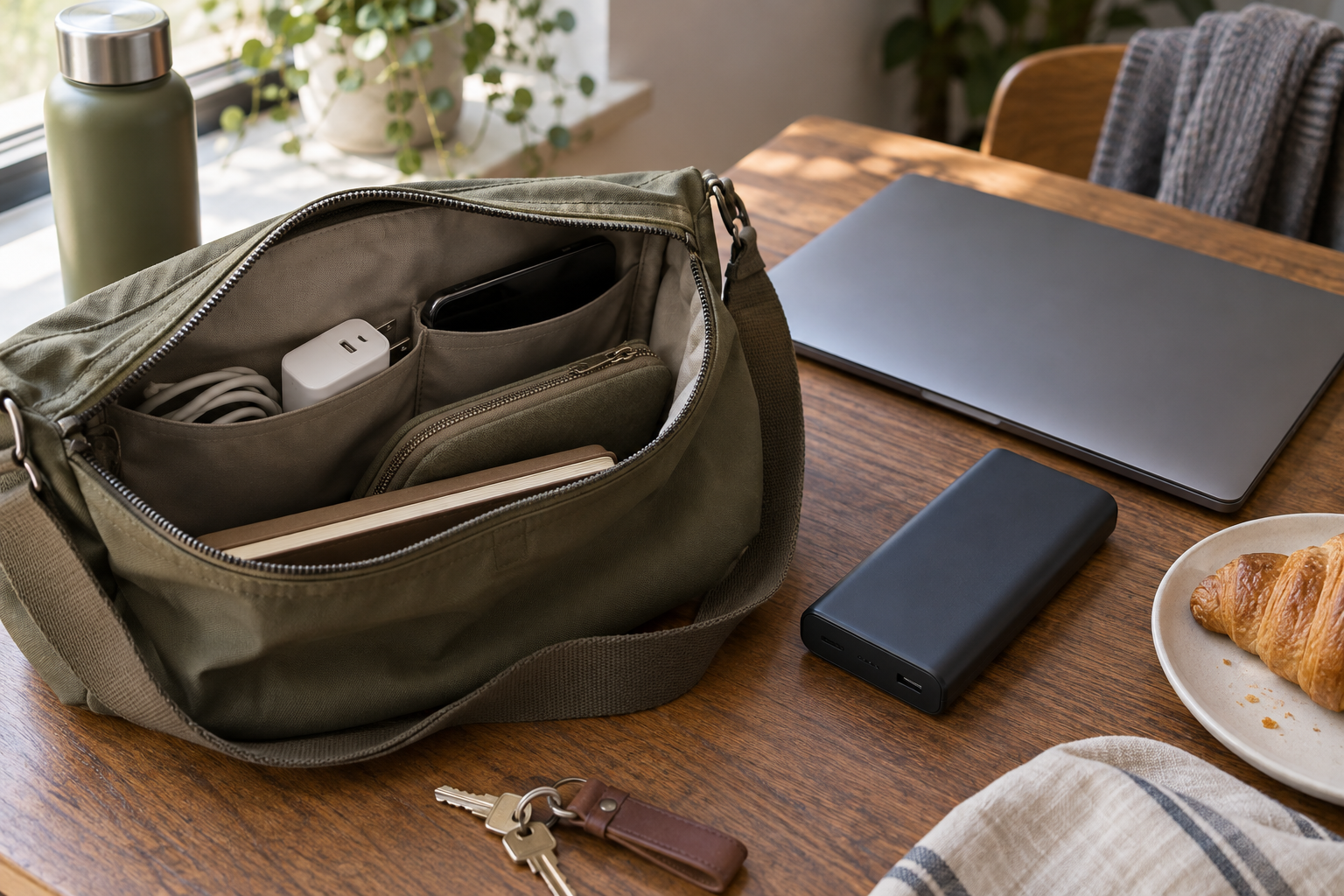
For an illustrative phone-only commute with access to a desk outlet, the smaller bank may be the easier item to carry. For a day with a compatible laptop, phone and no convenient outlet, the larger model's output and reserve can have a defined job. These scenarios are assumptions, not measured runtime claims.
List the devices you actually take, their accepted input and when you can recharge. Include the wall charger needed to refill the bank; a large battery charged from a low-output source may be inconvenient to prepare. Carrying a bank you leave at home because it is bulky does not solve a dead phone.
Keep portable charging separate from backup power
A portable USB bank does not automatically provide the functions needed for a router and modem. Tha Review's established UPS guide addresses keeping networking equipment powered with an appropriate backup system. This article addresses phone and laptop carrying needs. For air travel, check your carrier’s current battery rules separately; charging suitability does not establish permission to carry a battery.
Choose by compatible output and carry cost
For a phone alone, start with the smallest capacity and output that covers your expected use. Add laptop-capable output when a real device requirement justifies it, then check the exact multi-port combination. Treat displayed charge percentages or marketing recharge counts as claims to verify, not a substitute for your device's specifications.
- Write down each device's charging input.
- Check the exact port, not just total wattage.
- Use an appropriately rated cable.
- Include recharge-charger requirements.
- Compare weight and size with your everyday bag.
- Avoid universal full-charge or runtime predictions.
Sources
- UGREEN US SKU 35524 specifications
- UGREEN simultaneous output diagram
- Anker A1259 Nano — exact U.S. specifications
- Anker A1259 Nano — exact U.S. specifications
- UGREEN manufacturer allocation graphic: 3-port output
- UGREEN Nexode 20,000mAh 130W — exact Amazon listing
- Anker Nano 10,000mAh 30W A1259 — exact Amazon listing

