

A desk can look tidy on top while the chargers, monitor leads, and power cords underneath remain hard to trace. The useful fix depends on where the clutter is. A tray can hold a group of cables below a desk, clips can guide a visible run, and reusable ties can gather extra length. You may need only one of those jobs done.
Trace the cables before choosing hardware
Follow each cable from device to outlet or hub. Note which plugs need regular access, which devices move, and whether a sit-stand desk changes the distance a cord must travel. Then inspect the desk itself: is there an exposed edge for a clamp, a smooth surface for adhesive, or an existing channel that only needs its loose cables bundled?
Do this check before buying a kit. A clamp cannot solve an obstructed desk edge, and an adhesive clip cannot make a rough or dusty surface suitable for a strip. Leave enough free cable for normal desk movement and avoid forcing a plug or adapter into a space that does not fit it.
Use a clamp tray when the desk edge actually fits
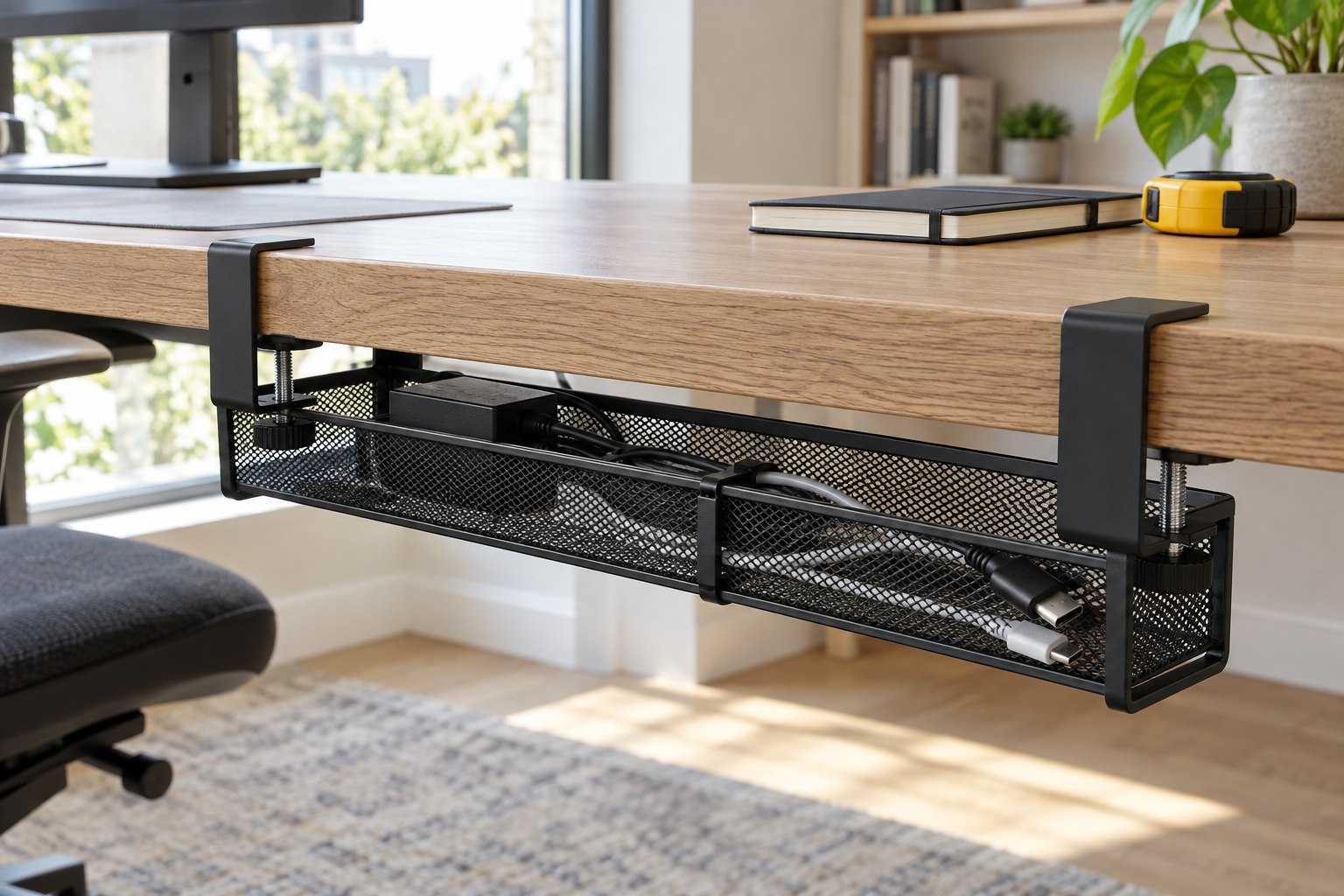
An under-desk tray is useful when several cables or small accessories need one accessible place. IKEA's FÖRSÄSONG cable management tray is one example of a tray that clamps to a horizontal surface without drilling. IKEA lists a desk thickness range of 5/8 to 1 5/8 inches, a 15-inch width, and a 7-pound maximum load; it includes two touch-and-close fastenings.
Those numbers are fit checks, not a promise that the tray works with every desk or power strip. Measure the edge where the clamp would sit, look for a lip or support rail underneath, and compare the tray's depth and openings with the actual plugs and adapters you plan to place there. If the edge is outside the listed range or the cords would be sharply bent to fit, choose another route. Follow the desk and electrical equipment instructions as well as the tray's stated limit.
Use clips to guide a run, with surface prep in mind
For a cable that crosses the back or side of a desk, a small clip may do more than a tray. Command's cord-organization guide uses round clips for one cable route and flat clips for thinner cords. Its example cleans the surface with isopropyl alcohol, presses the strip and clip as directed, keeps the removal tab accessible, and waits an hour before inserting the cord. The exact clip package remains the authority for its surface and load instructions.
“Removable” does not mean risk-free on every finish. Command's current FAQ calls for a clean, dry, smooth surface, cautions against rough or heavily textured surfaces, and explains that weak or uncured paint can still come off. For removal, the maker says to hold the clip and pull the tab slowly along the surface, rather than pulling the clip toward you. If the desk finish is uncertain, skip the adhesive option until its compatibility is clear.
Use reusable ties for slack, not as a mount
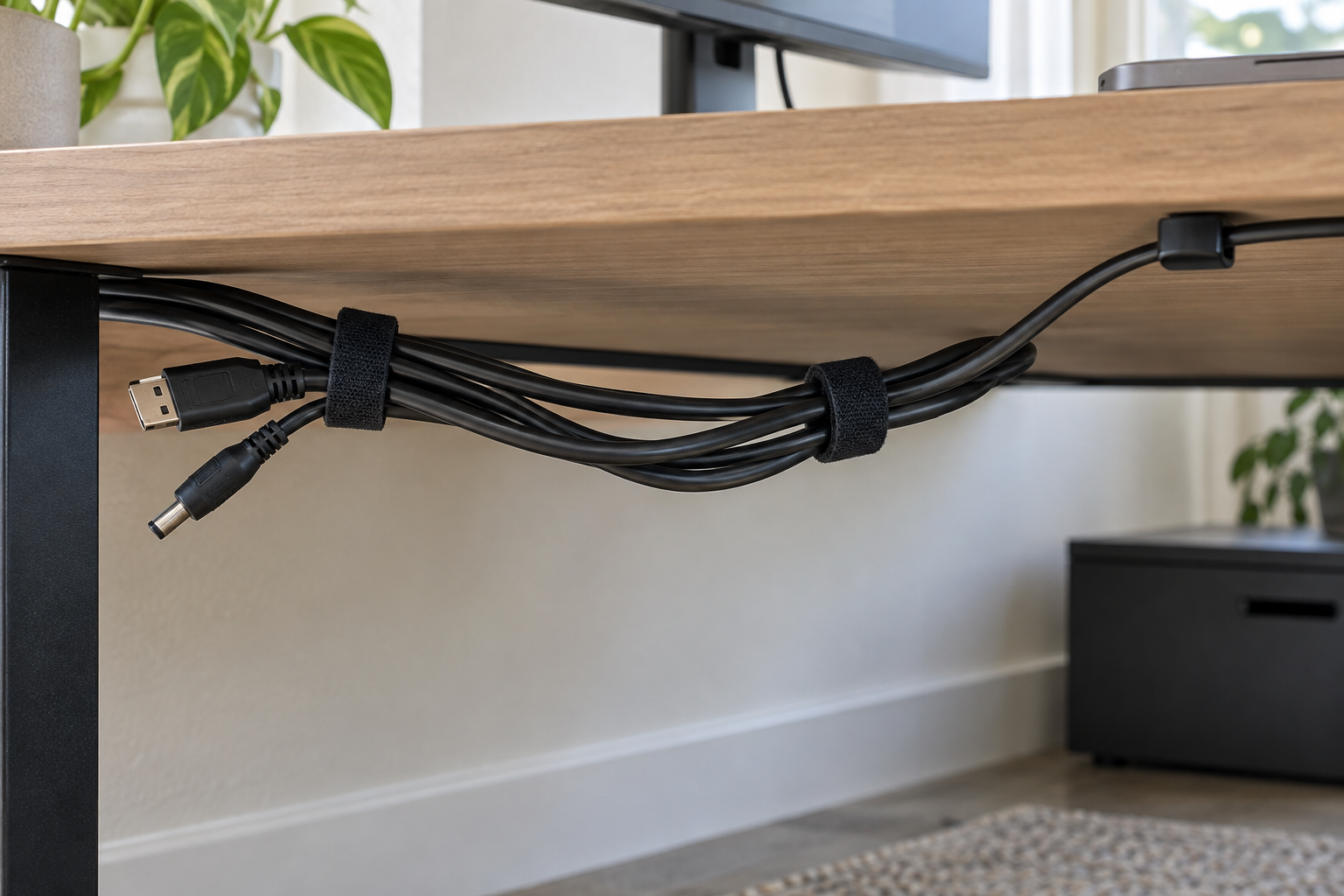
A loose coil beside a charger or behind a monitor may simply need a reusable tie. VELCRO Brand ONE-WRAP ties are adjustable and wrap back onto themselves. The maker describes threading the small end through the slit to keep the tie with a cable, then folding and fastening the remaining length. That makes a tie useful when you expect to change a cable later.
This article contains a paid link. As an Amazon Associate I earn from qualifying purchases.
Nettbe 60-pack reusable cable ties is an option to compare. This is a separate product from the VELCRO Brand example described above.
View on AmazonPaid linkGather only the slack you actually need to control. Keep connectors reachable and avoid cinching a bundle so tightly that you cannot move or replace one cord. A reusable tie organizes cables; it does not attach a heavy device to the desk or substitute for a rated mount.
Build the smallest setup that works
Start with the cable route, then add only the hardware that matches it. If the desk has a compatible edge and several cables to contain, test the tray's fit first. Add clips only where a run needs guidance on a suitable surface. Use ties for the extra length that remains. After arranging everything, check that each device can move normally and that plugs, switches, and labels are still easy to reach.
The point is not a perfectly hidden desk. It is a layout you can inspect, change, and use without drilling holes or buying pieces that have nowhere appropriate to go.