
Affiliate disclosure: This article may contain affiliate links. If you buy through them, we may earn a commission at no extra cost to you. As an Amazon Associate I earn from qualifying purchases.
Start with your devices and your typing layout
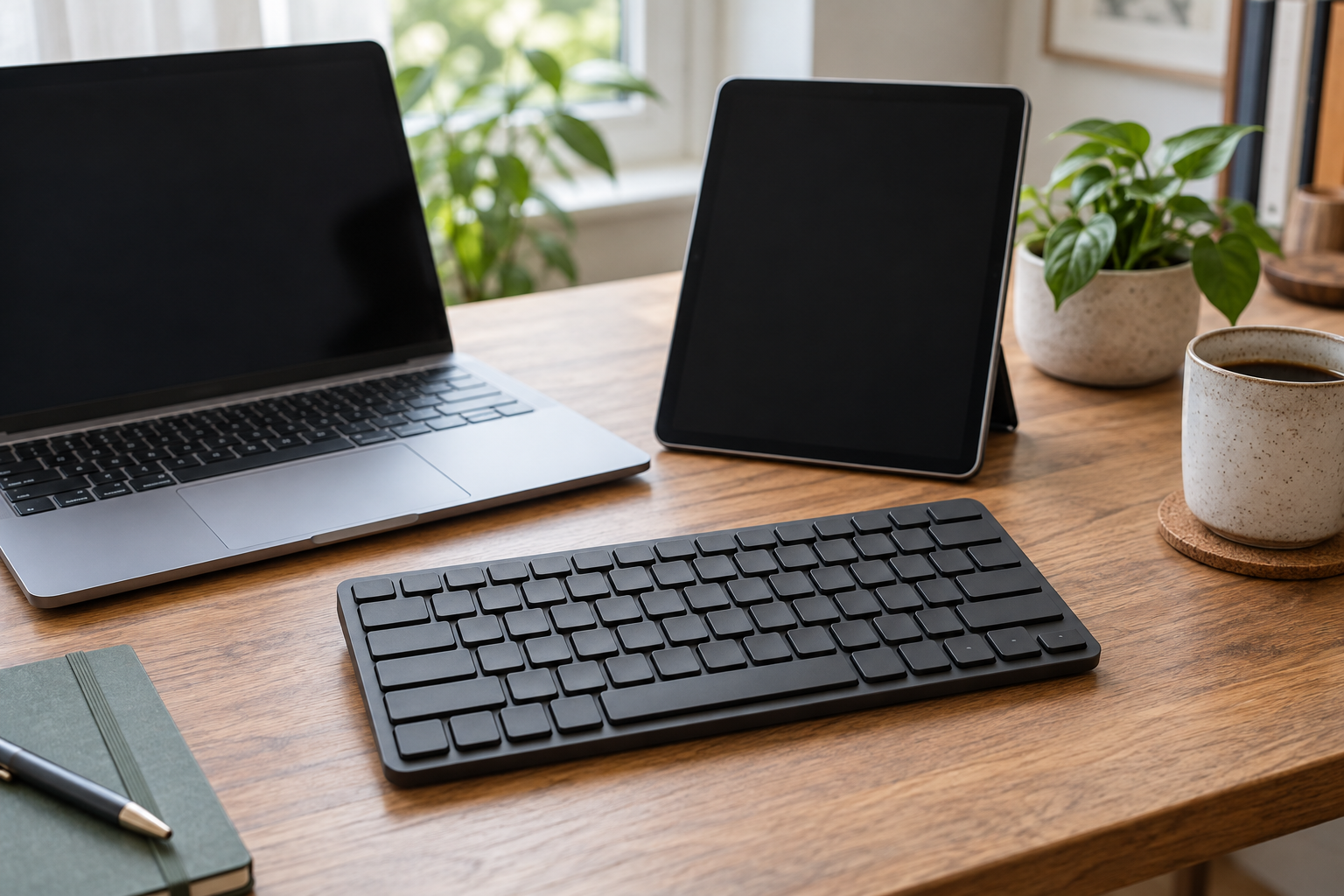
A compact Bluetooth keyboard can move typing between a laptop and tablet without taking much desk space. The important checks are Bluetooth support, operating-system compatibility, the actual regional layout and whether you need a separate number pad. A compact label alone does not answer those questions.
The Tonal Graphite Pebble Keys 2 K380s and Black K480 both switch among three devices, but their physical arrangements suit different habits. Pebble is the portable candidate; the K480 includes a cradle for a phone or tablet. Both selected offers are standalone keyboards, not mouse bundles.
Pebble Keys 2 K380s: compact switching
The exact selection is ASIN B0BT4DP7SC, Tonal Graphite, Style Keyboard. Logitech documents three-device Easy-Switch operation and OS-adaptive keys. Its stated compatible platforms include Windows, macOS, iPadOS, iOS, Android, ChromeOS and Linux, subject to the listed version and Bluetooth requirements. Check the current requirements for your own devices before purchase.
The standalone box contains the keyboard, two preinstalled AAA alkaline batteries and documentation. Logitech identifies Logi Bolt compatibility, but the receiver is not included in this standalone package. Basic typing does not require the optional Options+ application; that application’s platform availability is narrower than the keyboard’s basic Bluetooth compatibility.
K480: a cradle and a switching dial
The selected Black K480, ASIN B00MUTWLW4, provides a built-in device cradle and a dial for three paired devices. It is useful when the tablet or phone belongs upright at a typing station and you prefer a physical selector. Check that the tablet with its case fits the cradle; a supported operating system does not establish a physical fit.
Logitech’s K480 documentation lists two preinstalled AAA batteries. The selected offer does not include a mouse. The maker’s older datasheet describes Windows, Mac, Chrome OS, Android and iOS support, but its historical minimum versions are not a guarantee about every current device or shortcut. Verify current Bluetooth external-keyboard support and the shortcuts your applications use.
Compact keyboards can cost you a number pad
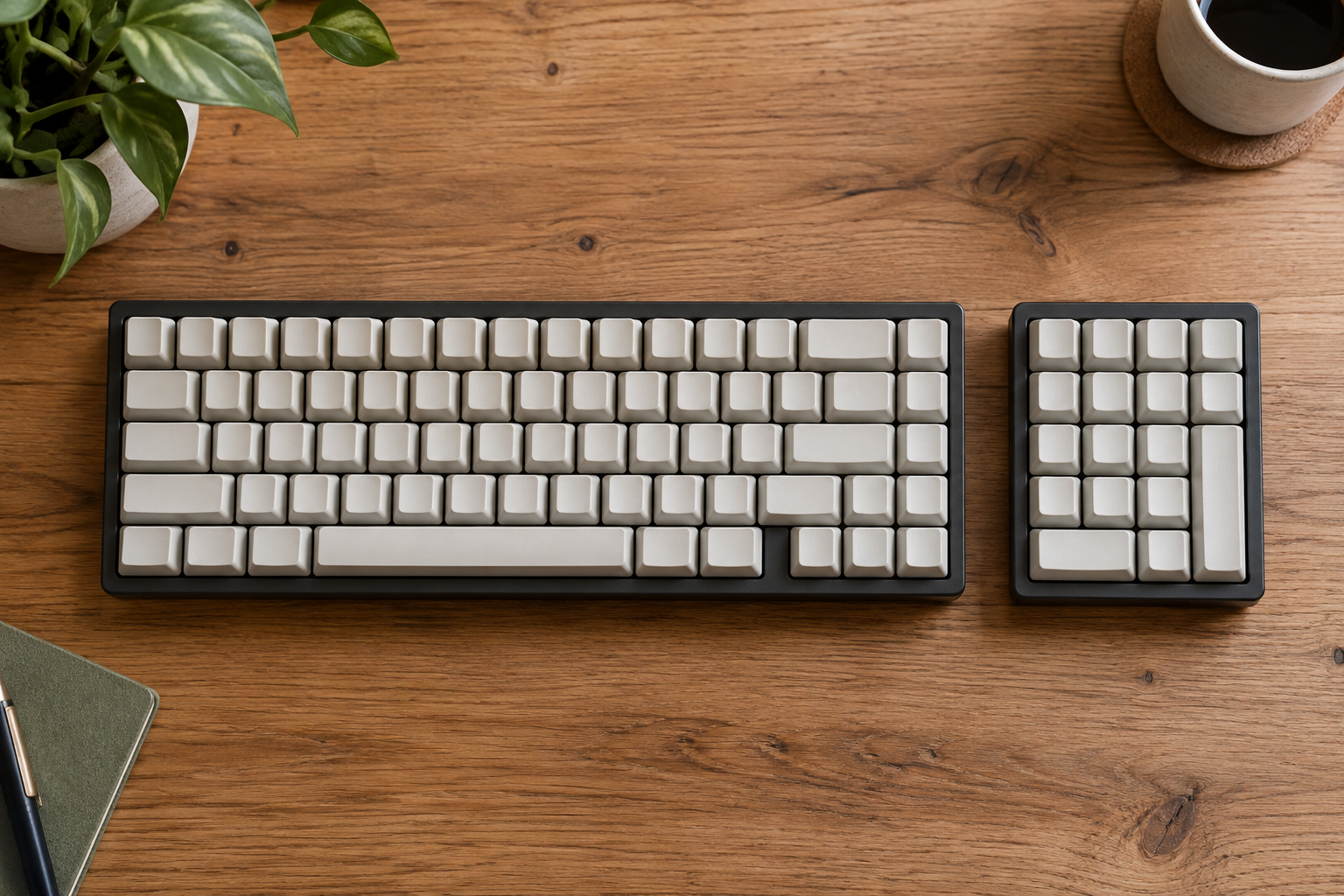
Neither selected keyboard has a dedicated numeric keypad. The number row may be enough for ordinary writing; frequent spreadsheet entry can justify another keyboard or a separate keypad. A separate keypad is an additional purchase, not an accessory included with either selection. The blank-keycap illustration is decorative and does not teach a regional layout.
Check the exact regional key layout in the selected offer. Mixed Windows/Mac legends help explain shared keys, but shortcut behavior can change with the operating system and application. If you depend on a particular shortcut or symbol arrangement, confirm it before making portability the deciding factor.
Swipe horizontally or focus the table and use the arrow keys to view all comparison columns. ↔
| Need | Pebble K380s | K480 |
|---|---|---|
| Paired-device switching | Three-device Easy-Switch | Three-device selector dial |
| Phone/tablet support | Separate stand or device case needed | Integrated cradle; check case fit |
| Dedicated number pad | Absent | Absent |
| Battery setup | Two preinstalled AAA cells | Two preinstalled AAA cells |
| Mouse in selected box | No | No |
Replacement batteries are part of portability
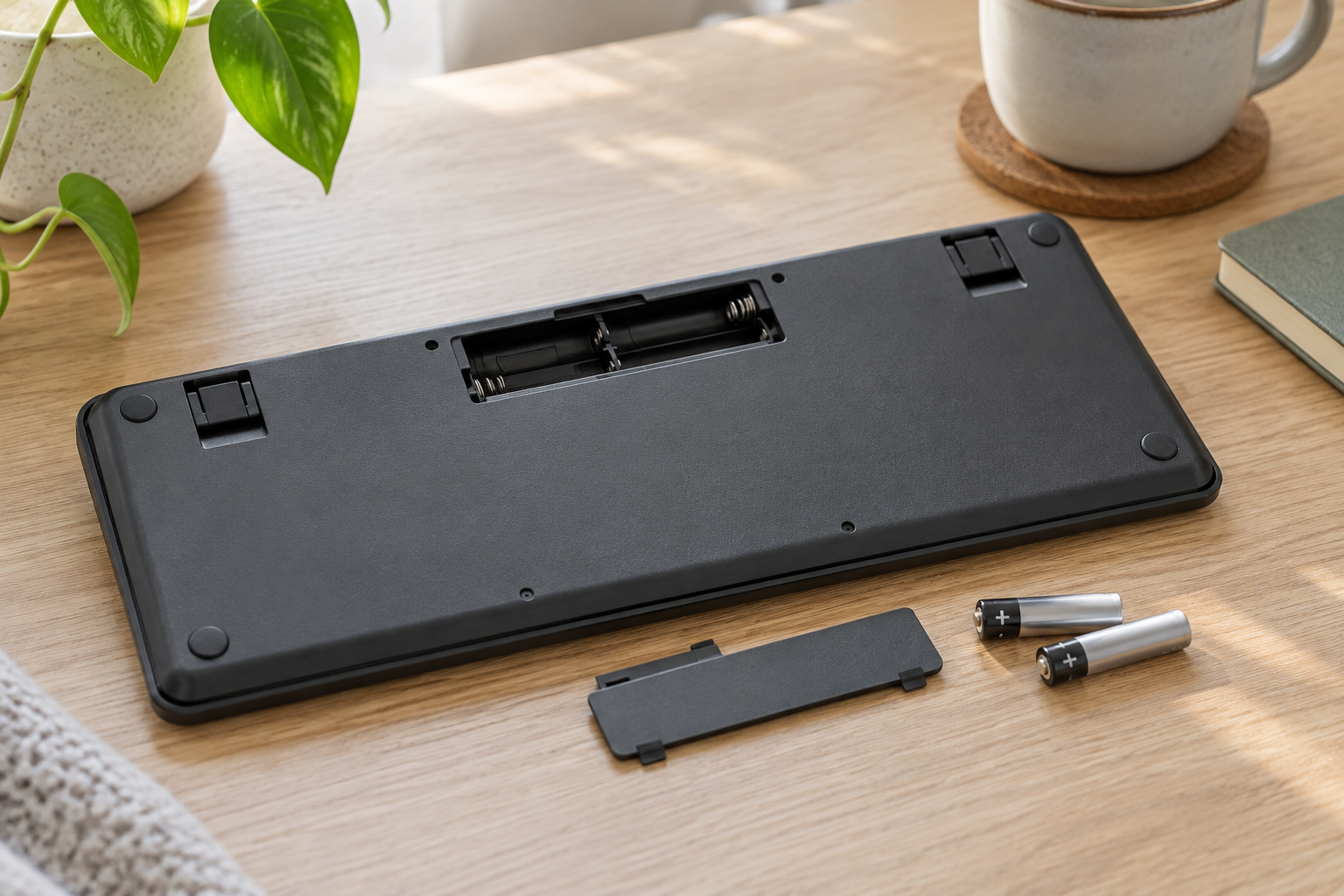
These selected models use replaceable AAA batteries. Keep the battery compartment instructions with the keyboard and switch it off for storage when instructed. They are not USB-rechargeable keyboards, so carrying a charging lead alone will not solve an exhausted battery.
Advertised multi-month battery life depends on usage and conditions. This guide does not convert it into a guaranteed replacement date. A spare compatible battery set may be more practical for travel than assuming the manufacturer’s stated maximum matches your schedule.
Choose the setup, then compare the offer
Choose Pebble K380s when portability, a compact footprint and three-device switching suit your work. Choose K480 when a tablet/phone cradle is useful at a regular typing station. If you need a numeric keypad or a specialized layout, resolve that requirement before choosing either compact model.
Compare current total purchase costs for the same standalone package and intended regional layout. Include a separate stand, optional compatible receiver or additional keypad only if your actual setup needs it. Confirm what is in the box before comparing a keyboard with a keyboard-and-mouse bundle.
Related reading
When carrying the keyboard’s batteries or other small accessories, give them a consistent packing place. The linked travel tech pouch guide explains how to organize those items without tangling or overcrowding them.