
Affiliate disclosure: This article may contain affiliate links. If you buy through them, we may earn a commission at no extra cost to you. As an Amazon Associate I earn from qualifying purchases.
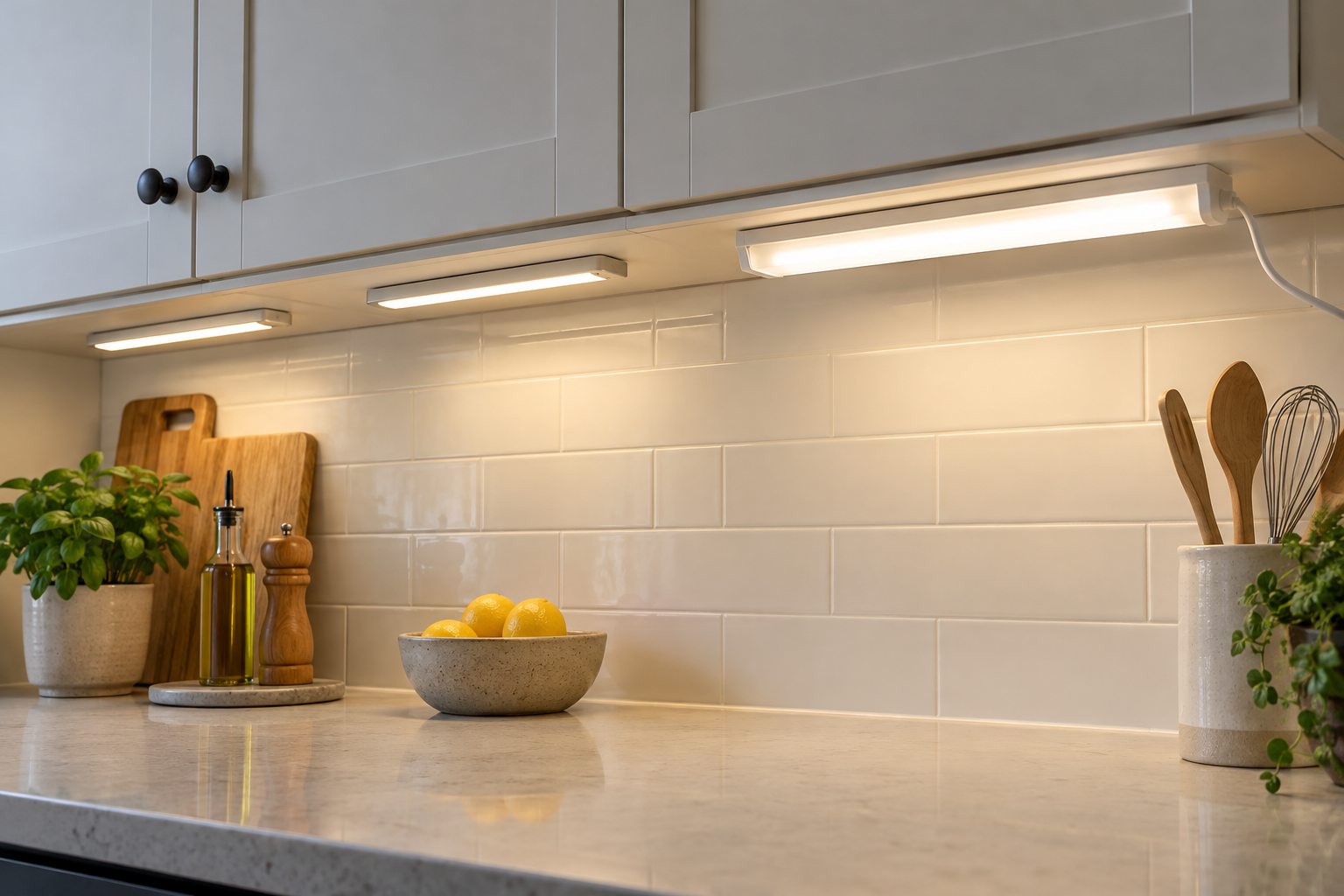
Choose between a charging routine and a power cord
Rechargeable bars are appealing where an outlet or visible cord is awkward. A plug-in fixture suits a work area where you want light available for long periods without removing a bar to charge it. Sensors, mounting and power maintenance should be considered together rather than treating “wireless” as a complete installation plan.
The MCGOR ten-inch two-pack and Enbrighten 18-inch plug-in fixture show the two power arrangements. The exact MCGOR listing describes motion, always-on and off modes. Independent exact-product documentation was not established for its numerical endurance or sensor claims, so those do not become promised results here.
MCGOR: a candidate for removable local light
The selected MCGOR B0BDF8CVBN is the White Light ten-inch two-pack. Its listing describes motion, always-on and off modes, rechargeable power, USB-C charging and magnetic mounting plates. Always-on can maintain illumination without continued motion while battery charge remains; these are attributed listing capabilities, not measured results.
Before relying on a recurring task, confirm the supplied exact-product instructions, charging equipment and intended placement. The listing says the USB wall adapter is not included. Always-on use still needs a charging routine; this guide does not promise a numerical continuous runtime.
Enbrighten: light while mains power is available
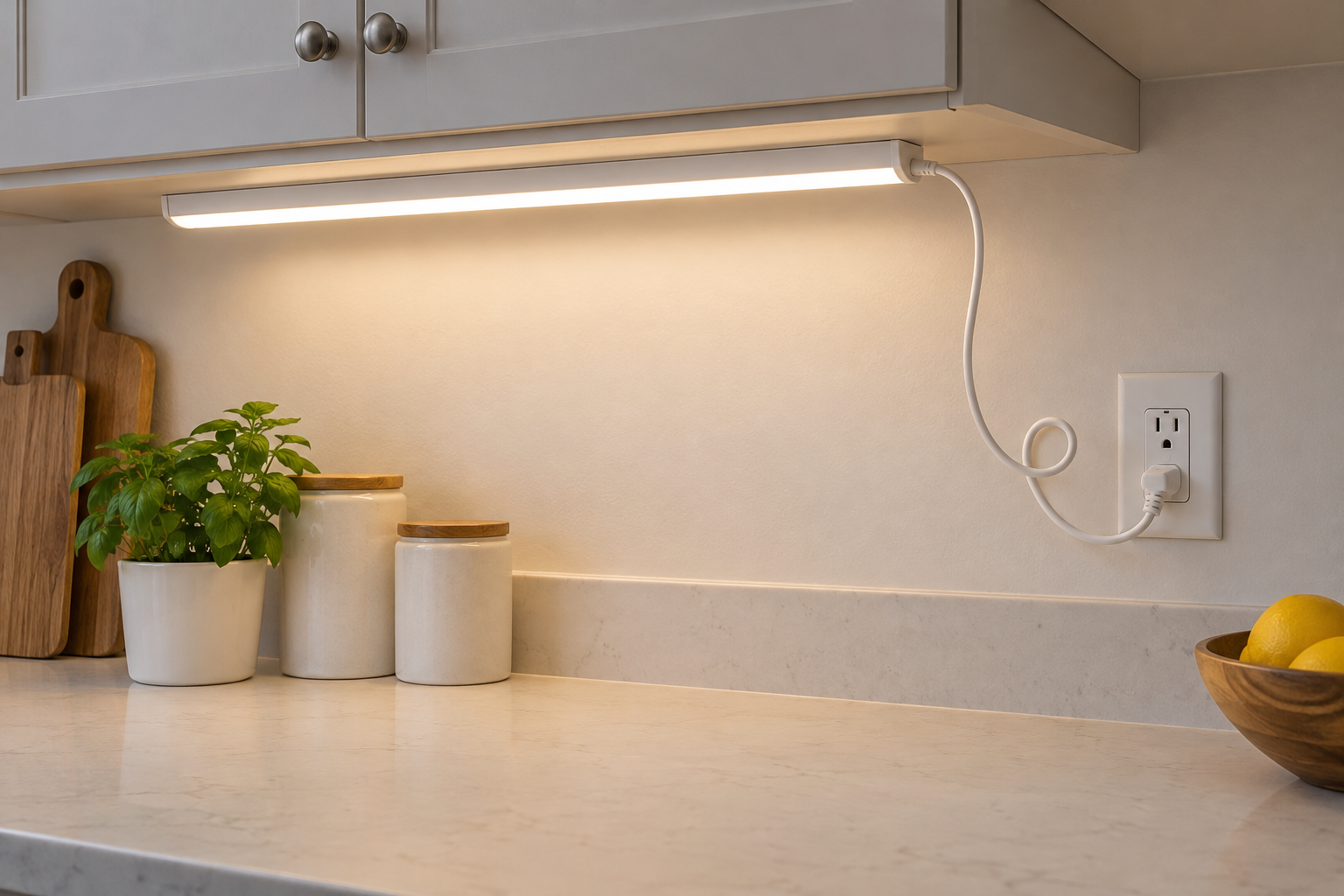
The selected White 18-inch Enbrighten, ASIN B078VMTC8W, is in the 38846-T1 family. Jasco documents 3000K, a stated 628 lumens and a High/Off/Low switch. Outlet power supports extended task lighting without battery-recharge interruptions when a suitable outlet and cord route are available.
The manufacturer lists a power cord, linking cord and mounting materials. Its plug-in arrangement is distinct from a direct-wire installation using optional equipment. This guide’s recommendation concerns plug-in use; direct wiring requires the correct equipment and appropriate professional installation as the maker advises.
A sensor needs the right sight line
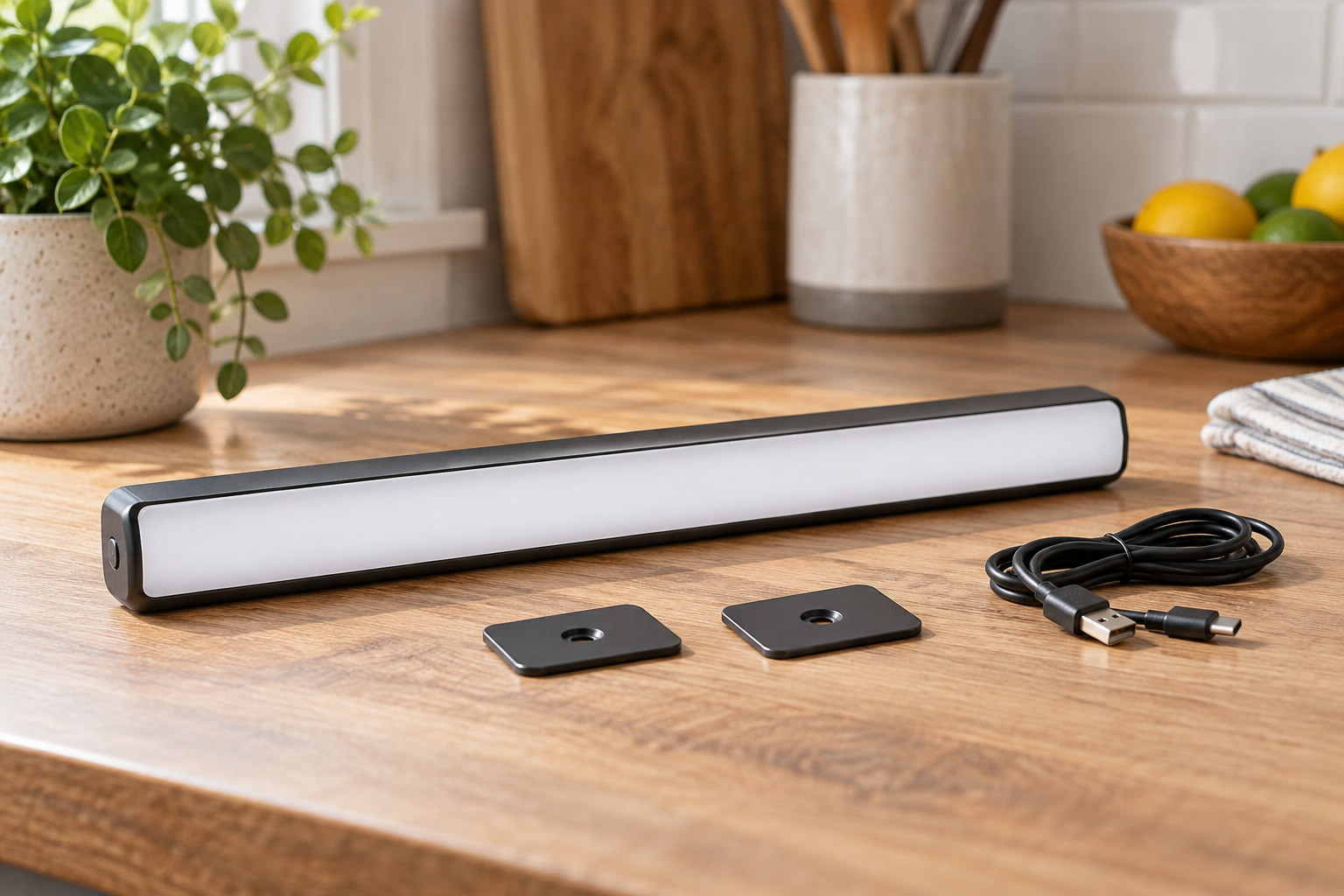
Think about what should trigger the bar: walking into a pantry, opening a cabinet or moving at the counter. Shelf edges, cabinet doors and the bar’s orientation can affect whether movement is detected. Check the exact instructions and try the intended position before committing to an adhesive installation.
MCGOR’s listed always-on mode avoids dependence on continued movement; motion mode is a separate choice for automatic triggering. This guide does not publish an independently verified numerical sensor range, delay or charge interval. For long sessions, compare the rechargeable bar’s interruptions for charging with Enbrighten’s available outlet power.
Swipe horizontally or focus the table and use the arrow keys to view all comparison columns. ↔
| Requirement | MCGOR selected listing | Enbrighten selected fixture |
|---|---|---|
| Power upkeep | Remove/recharge as required | Outlet power; no battery rotation |
| Control basis | Listing: motion / always-on / off | Documented High/Off/Low switch |
| Detailed runtime evidence here | Not independently established | Battery runtime not applicable |
| Installation decision | Verify plates, surface and supplied instructions | Plan mounting and a safe cord route |
| Sustained-use planning | Always-on available; verify runtime and recharge interruptions | Outlet power; plan cord and mounting |
Inspect the surface and the charging access
For a magnetic rechargeable bar, the mounting plate and the cabinet surface are part of the system. Check finish compatibility and the supplied instructions before applying adhesive. Leave enough room to detach the bar and connect its charger without dismantling the cabinet arrangement. Do not assume magnets alone attach securely to every underside.
For a plug-in fixture, identify the suitable outlet and route the cord away from heat, water and moving doors. Confirm the mounting materials are suitable for the cabinet. The manufacturer’s support for linked fixtures does not authorize mixing incompatible connectors or improvising electrical connections.
Plan sustained lighting around the power source
Choose Enbrighten when a suitable nearby outlet and mounting position make sustained task light practical. Consider MCGOR when removable bars and its listed control modes suit the space, after confirming exact instructions and trying the intended placement. Always-on is available, but exact endurance remains unverified here.
Decide who will charge the bars, where charging happens and how long sessions need to last. If exact runtime, sensor response, charger compatibility or mounting details are essential, resolve them before relying on the MCGOR selection. Its package count alone does not establish that fit.